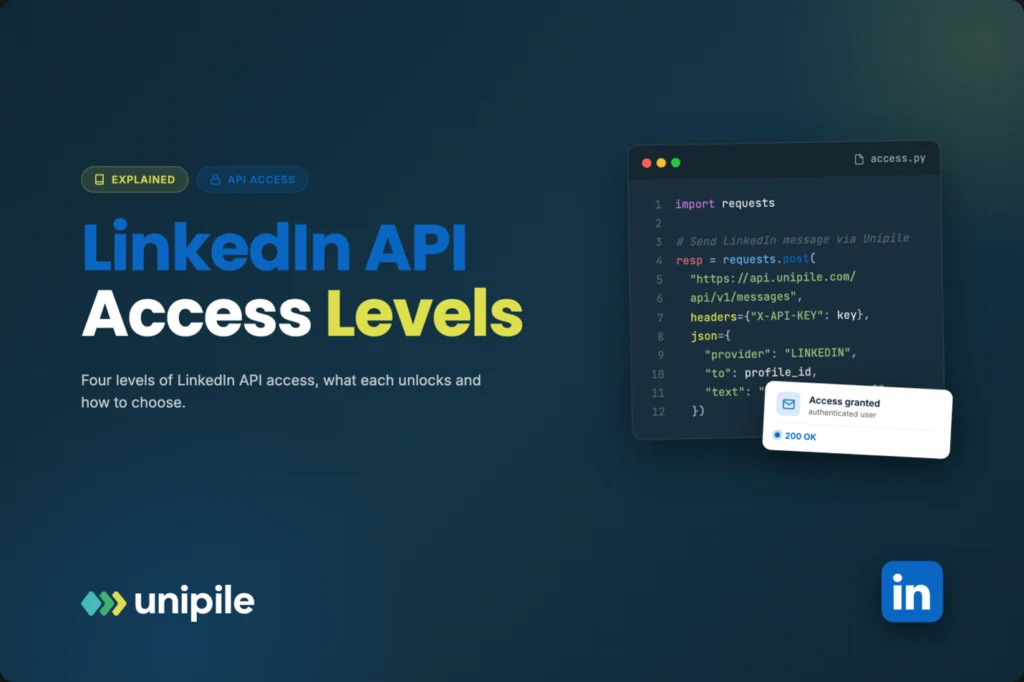

“Can we connect to LinkedIn?” sounds like a yes or no question, but the real answer is “which door are you trying to open?” LinkedIn does not hand out one universal key. It offers several levels of access, each with its own paperwork, its own audience and its own list of things you can actually do. Here is a jargon-light tour of those levels, what each one unlocks, and how to work out which one your project needs.
Introduction
“Can we connect to LinkedIn?” sounds like a yes or no question, but the real answer is “which door are you trying to open?” LinkedIn does not hand out one universal key. It offers several levels of access, each with its own paperwork, its own audience and its own list of things you can actually do. Here is a jargon-light tour of those levels, what each one unlocks, and how to work out which one your project needs.
Think of LinkedIn as an office building with several entrances. The lobby is open to almost everyone, a few floors require a visitor badge, some departments only let in vetted partners, and there is also a side door where a tenant personally walks a guest in. Each entrance leads to different rooms. Understanding which one you need is the first step toward getting linkedin api access that matches your project, instead of applying for something you do not need or building on something you cannot get.
A quick word on vocabulary before we start. An API (application programming interface) is simply a structured way for one piece of software to talk to another. A “scope” is a specific permission, such as “read the member’s name” or “publish a post.” And “consent” is the moment a LinkedIn member clicks “Allow” on a screen that lists those scopes. Every level below is built from these three ingredients.
Level 1: Sign In with LinkedIn
This is the lobby. Sign In with LinkedIn, which today relies on the OpenID Connect standard, lets people log into your website or app with their LinkedIn account instead of creating yet another password.
What it unlocks: basic identity information that the member agrees to share, typically their name, profile picture and email address. That is enough to create an account, personalize a welcome screen and confirm that a real professional is behind the sign-up.
What it does not unlock: messages, connections, posting, or anything beyond that small identity bundle.
Who it suits: almost any product that wants a faster, more trustworthy sign-up. Setup happens in LinkedIn’s developer portal and does not require a lengthy review, which makes it the natural starting point.
Level 2: Self-serve products
One floor up, LinkedIn offers a handful of self-serve products that an app can add from the developer portal. The best known lets a member share content on LinkedIn from your app, for example publishing a post they wrote in your scheduling tool.
What it unlocks: a narrow set of actions performed on behalf of the member who granted consent, such as posting to their own feed.
What it does not unlock: reading private conversations, browsing other members’ profiles at will, or exporting someone’s network.
Who it suits: content tools, personal branding apps and products that want a “share to LinkedIn” button. The rule of thumb is simple: if the action concerns the member’s own content and the scope is available as a self-serve product, you can usually move quickly.
Level 3: Partner programs
These are the restricted departments. LinkedIn runs partner programs organized around specific business areas, and each one opens capabilities that are not available to the general public.
- Marketing: built for advertising and social media management platforms. Think ad campaign management, reporting, and managing a company page’s organic content.
- Talent: aimed at recruiting software and applicant tracking systems, with capabilities around job postings and recruiter workflows.
- Sales: designed for sales technology and CRM vendors, typically around Sales Navigator and syncing sales activity with a CRM.
What it unlocks: deeper, officially sanctioned integrations in that specific area.
The catch: access is selective. You apply, describe your use case, explain how you handle data and show how the integration benefits members. Programs generally favour established companies with a real customer base, and approval timelines are hard to predict. For a startup with a deadline, this is a long-term goal rather than a quick fix.
Level 4: Access through the authenticated user, via an intermediary
The side door works differently. Instead of your company holding a special permission from LinkedIn, each of your users connects their own LinkedIn account to your product, and an independent technical intermediary handles the connection. Every request is then executed on behalf of that authenticated user, within the permissions that user already has on LinkedIn.
Unipile is one example of this model. It is not affiliated with, endorsed by, or sponsored by LinkedIn. It sits between your application and the platform, and it does not keep its own database of LinkedIn profiles: data is fetched when the authenticated user triggers an action in your app.
What it unlocks: the things that user could already do in their own account, exposed through one API. That typically includes their messages and inboxes (classic LinkedIn, and Sales Navigator or Recruiter when the user has those subscriptions), retrieving profiles they can view, invitations, posts and comments, plus webhooks that notify your app when a new message arrives.
What it does not unlock: anything outside that user’s own account. It is not a way to reach members who never interacted with the user, and it does not grant extra powers.
Who it suits: CRMs, ATS platforms, unified inboxes and sales tools that need to ship a LinkedIn feature without waiting for partner approval, often alongside email and other messaging channels through the same interface.
A note on responsible use applies here more than anywhere. LinkedIn sets its own limits, and how much activity a connected account performs is a customer-side decision. A good product helps users stay within LinkedIn’s terms with sensible defaults rather than encouraging volume for its own sake.
How to pick the right level
Start from the feature, not from the technology. Ask yourself what your user actually needs to do, then match it to the lowest level that delivers it.
- “Let people log in with LinkedIn”: Level 1 is enough.
- “Let people publish a post from our app”: check the Level 2 self-serve products first.
- “Manage ad campaigns or company pages at scale”: you are in Level 3 territory, most likely the Marketing program.
- “Show a user’s LinkedIn conversations inside our CRM” or “let recruiters message candidates from our ATS”: either a Level 3 program in the relevant area, if you qualify and can wait, or Level 4 through an intermediary acting on behalf of each authenticated user.
Two habits make any choice smoother. Request only the permissions your feature truly needs, because members are more likely to click “Allow” on a short, clear list. And be transparent in your own product about what you access and why. Whichever door you use, trust is what keeps it open.
The short version
LinkedIn access is not one key but a set of entrances. Sign In with LinkedIn covers identity, self-serve products cover simple member actions, partner programs cover deep business integrations for vetted companies, and the authenticated user model covers everything a member can already do in their own account. Pick the smallest door that fits your feature, and you will spend your time building rather than waiting.
https://synonymlabi.com/dependence-misuse-addiction-why-these-words-are-not-synonyms-in-medicine/
https://synonymlabi.com/safe-and-structured-healing-the-complete-guide-to-at-home-detox-support/